
Best Camera for YouTube Beginners: 7 Gear Selection Rules for Cinematic Talking-Head Video
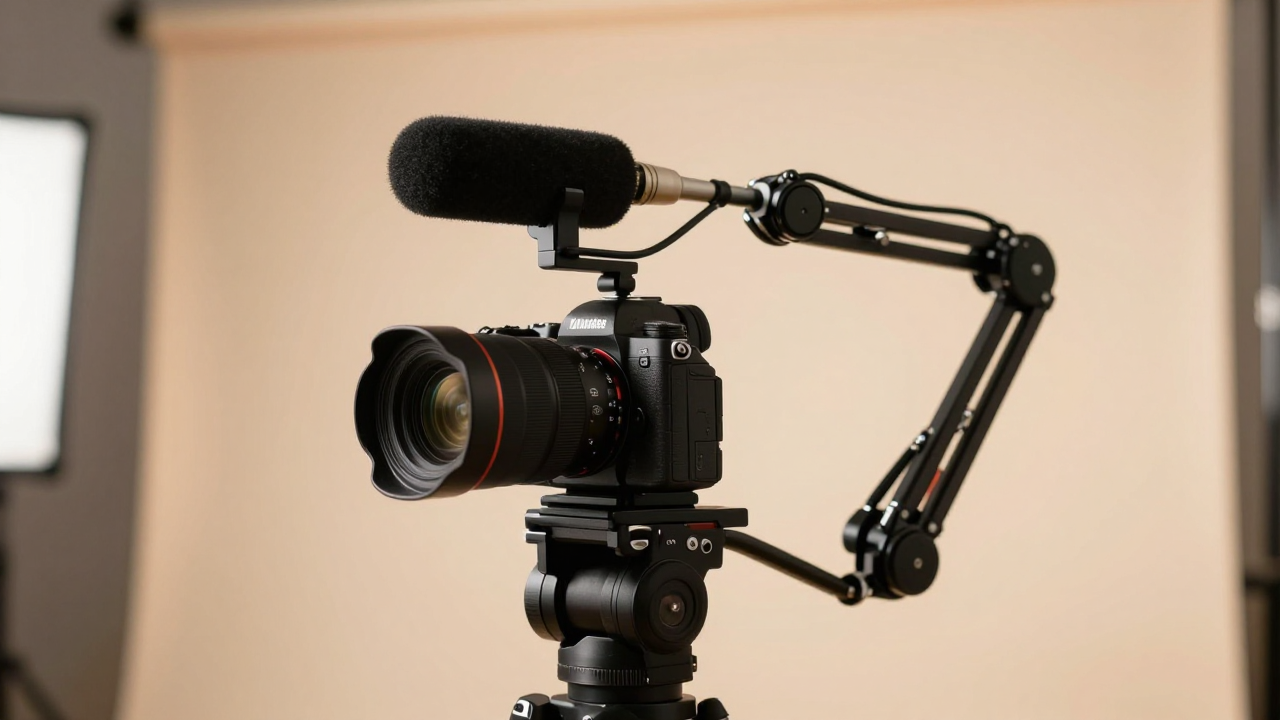
Stop overspending on expensive cinema cameras before understanding lighting and optics. Learn the 7 pragmatic sensor, autofocus, and lens selection rules that deliver professional 4K visuals on a reasonable budget.
Autofocus Reliability over Raw Resolution
A solo creator cannot manually pull focus while presenting to camera. Fast, dependable eye-tracking autofocus (such as Sony Real-Time Eye AF or Canon Dual Pixel) is mandatory.
Prioritize mirrorless cameras known for rock-solid eye-tracking (e.g., Sony ZV-E10, Sony A6700, or Canon R50) over cameras with superior codecs but unreliable autofocus.
Fast Prime Lenses over Kit Zooms
The bundled kit lens (f/3.5-5.6) provides flat, muddy separation in indoor home studios. A fast prime lens provides glorious background blur and superior low-light clarity.
Pair your APS-C camera body with a 16mm or 24mm f/1.4 prime lens (e.g., Sigma 16mm f/1.4) to achieve cinematic depth of field in modest room spaces.
Unlimited Recording Time & Overheating Prevention
Older DSLR and mirrorless cameras often have artificial recording limits or can overheat during extended course lectures.
Verify that your selected camera features zero record-limit caps and USB-C power delivery (USB-PD) for continuous uninterrupted recording sessions.
Clean HDMI Output for Live Streaming & Ingest
Using SD card transfers creates friction that slows down weekly output. Route a clean HDMI signal directly into your computer for instant capture.
Connect your camera's clean HDMI feed through an Elgato Cam Link 4K directly into OBS Studio or your NLE for lossless desktop recording.
Manual Exposure & Locked White Balance
Auto exposure and auto white balance shift whenever you move in your chair or hold up a prop, causing amateurish skin tone fluctuation.
Use a neutral gray card to set a custom Kelvin temperature (e.g., 5500K) and lock manual shutter speed, aperture, and ISO for every recording.
Audio Input Jacks & Headphone Monitoring
Syncing separate audio recorders in post-production adds unnecessary steps. Cameras with dedicated 3.5mm microphone inputs record high-fidelity sound straight to video tracks.
Plug your wireless receiver or shotgun mic directly into the camera's 3.5mm mic jack, setting the internal camera preamp to low (+1 to +3) to avoid hiss.
Studio Companion Documentation & Camera Presets
Setting up camera gear from scratch every recording session kills spontaneous creativity. Document your studio geometry and save custom camera memory profiles.
Store your optimal video settings in camera Custom Memory mode (1 & 2); draft a tactile studio checklist for quick 2-minute session rollouts.