
Live Streaming Setup for Beginners: 7 Clean Studio Configurations on a Budget
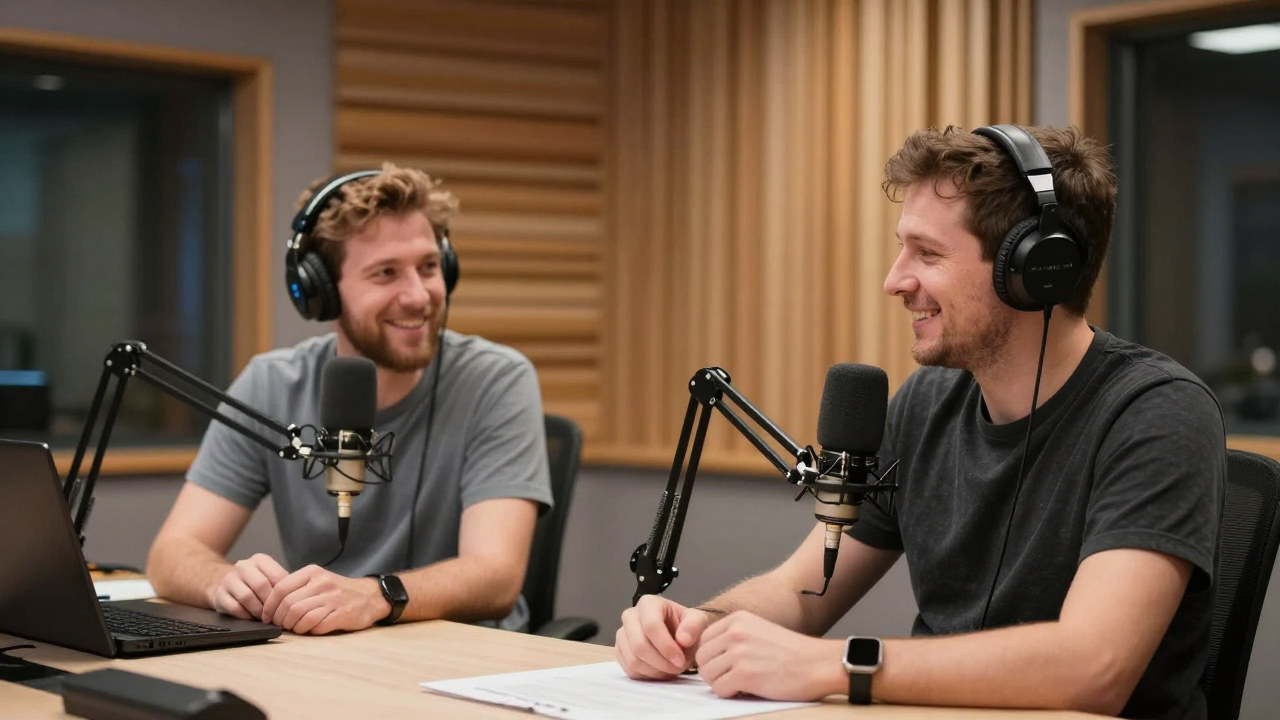
Professional live streaming doesn't require thousands of dollars in cinema gear. Master the 7 budget-friendly studio configurations, audio chains, and lighting essentials that deliver broadcast-quality streams on a modest budget.
Prioritizing Broadcast Audio Over High-End Cameras
Viewers will tolerate a 1080p webcam, but they will immediately abandon a stream with tinny, echoing, or distorted audio. Allocate a substantial share of your initial budget to high-quality dynamic microphones.
Invest in a dedicated cardioid dynamic USB microphone (e.g., Shure MV7X or Samson Q2U) paired with a sturdy boom arm to position the capsule 3-4 inches from your mouth.
Optimizing 2-Point Studio Key and Fill Lighting
Even budget webcams look remarkably crisp when illuminated with proper soft lighting. Position a large diffusion key light at a 45-degree angle, balanced with a subtle background accent light.
Position a soft LED panel with diffusion softbox at eye level, setting color temperature to 5600K (daylight) to eliminate harsh facial shadows.
Camera Selection: Leveraging Smartphones as 4K Webcams
Modern smartphone cameras significantly outperform entry-level webcams. Use native wireless camera bridging software to convert your existing phone into a high-bitrate streaming camera.
Connect your smartphone via high-speed USB cable using dedicated camera bridging software, unlocking optical portrait depth of field at zero additional hardware cost.
Hardwired Gigabit Ethernet over Wi-Fi Reliability
Wi-Fi signals suffer from packet drops, radio interference, and fluctuating bitrates that cause live stream stutter. Always run a dedicated hardwired ethernet cable to your broadcast computer.
Run a Cat6 ethernet cable directly from your router to your streaming workstation; test and lock upload bitrate at a stable 6,000 to 8,000 kbps in OBS.
Configuring OBS Studio Profiles and Stream Decks
Keep your live stream operating smoothly by pre-configuring essential scenes (Starting Soon, Talking Head, Screen Share, Ending) controlled by hotkeys or virtual stream decks.
Set up 4 standard OBS scenes with seamless fade-to-black transitions, mapping scene switches to number pad hotkeys for effortless live production.
Stream Engagement Mechanics and Chat Moderation Setup
Engage live viewers by acknowledging incoming comments, running interactive audience polls, and designating trusted community members as chat moderators.
Configure multi-stream chat aggregators and automated moderation bot filters to purge spam links and keep chat discussions focused and welcoming.
Monetizing Live Streams with Custom Physical Companion Kits
Don't rely solely on platform super chats and ad cuts. Introduce your own co-created physical companion kits during live workshops, giving viewers a tangible tool to follow along.
Partner with Peer Wright to engineer and build custom print-ready learning tools, keeping a 60% creator revenue share with $0 upfront cost.